
HelpDesky vs Document360: knowledge base or support toolkit?
Compare the real work and costs behind a knowledge base: HelpDesky’s flat team price, Document360’s custom quotes, editorial governance and customer support.
A knowledge base purchase should solve the work your team actually has. For a founder answering customer questions, that includes the conversation after an article fails to help. For a documentation manager, it may mean coordinating several reviewers before anything is published.
HelpDesky vs Document360 at a glance
| Decision | HelpDesky Pro | Document360 |
|---|---|---|
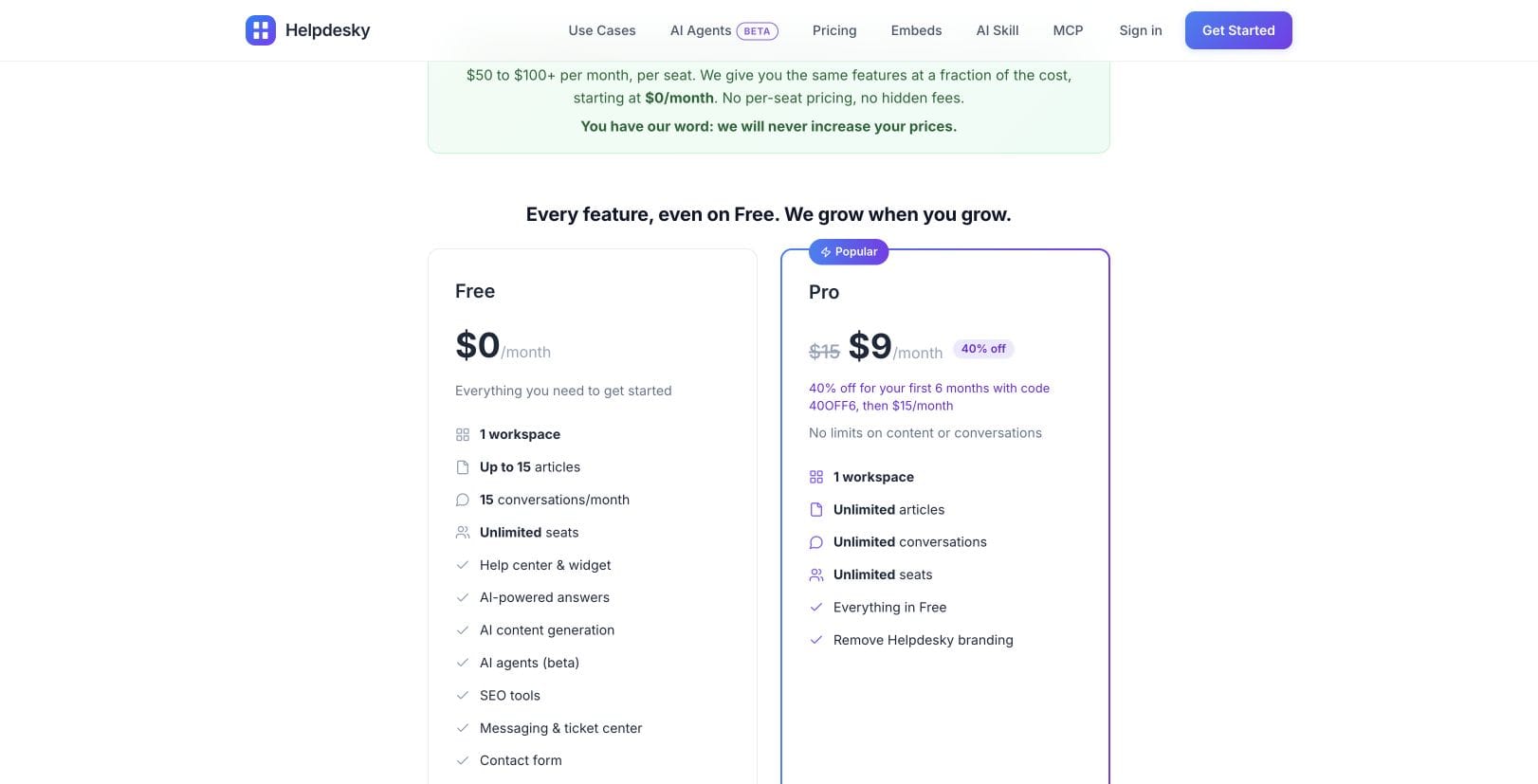
| One person, monthly subscription | $15 for one workspace | Custom quote; no public monthly rate |
| Five people, monthly subscription | $15 total; no seat surcharge | Request a quote for five team accounts and required features |
| Current HelpDesky offer | $9 monthly for six months with code 40OFF6, then $15 | No comparable public quote available |
| Base subscription difference | Exact dollars and percentage need a competitor quote | Not calculable from the current public page |
| Support work | Help centre, shared inbox, contact form and ticket centre | Knowledge base with ticket deflection and helpdesk integrations |
| Editorial governance | Check any specialist approval requirement before choosing | Custom review stages and workflow assignments |
| AI budget | Your own supported provider key; provider usage billed separately | Confirm AI allowances and optional products in the quote |
Checked 9 October 2026. USD subscription figures exclude taxes, external AI usage and extras. Sources: HelpDesky pricing, Document360 pricing, and the product documentation linked below. No annual commitment is assumed.
The immediate HelpDesky advantage is a known, modest bill for the whole team. Document360 does not currently publish enough information to substantiate a particular percentage saving. An old price from a review site would make the table look more precise without making it more reliable.
What changes the actual cost?
HelpDesky’s promotion reduces the platform fee by 40% against its own regular price. Over twelve months, the stated offer works out at $144: six payments of $9 plus six of $15. The regular subscription would total $180 over the same period. Those are platform calculations, not an estimate of your AI bill.
Document360 says configuration affects its quote, including team accounts, workspaces, languages, security requirements, privacy and AI usage. Its pricing page labels the AI chatbot and AI Premium Suite as optional additions. Ask which allowances and features are included rather than assuming every advertised capability comes at one price.
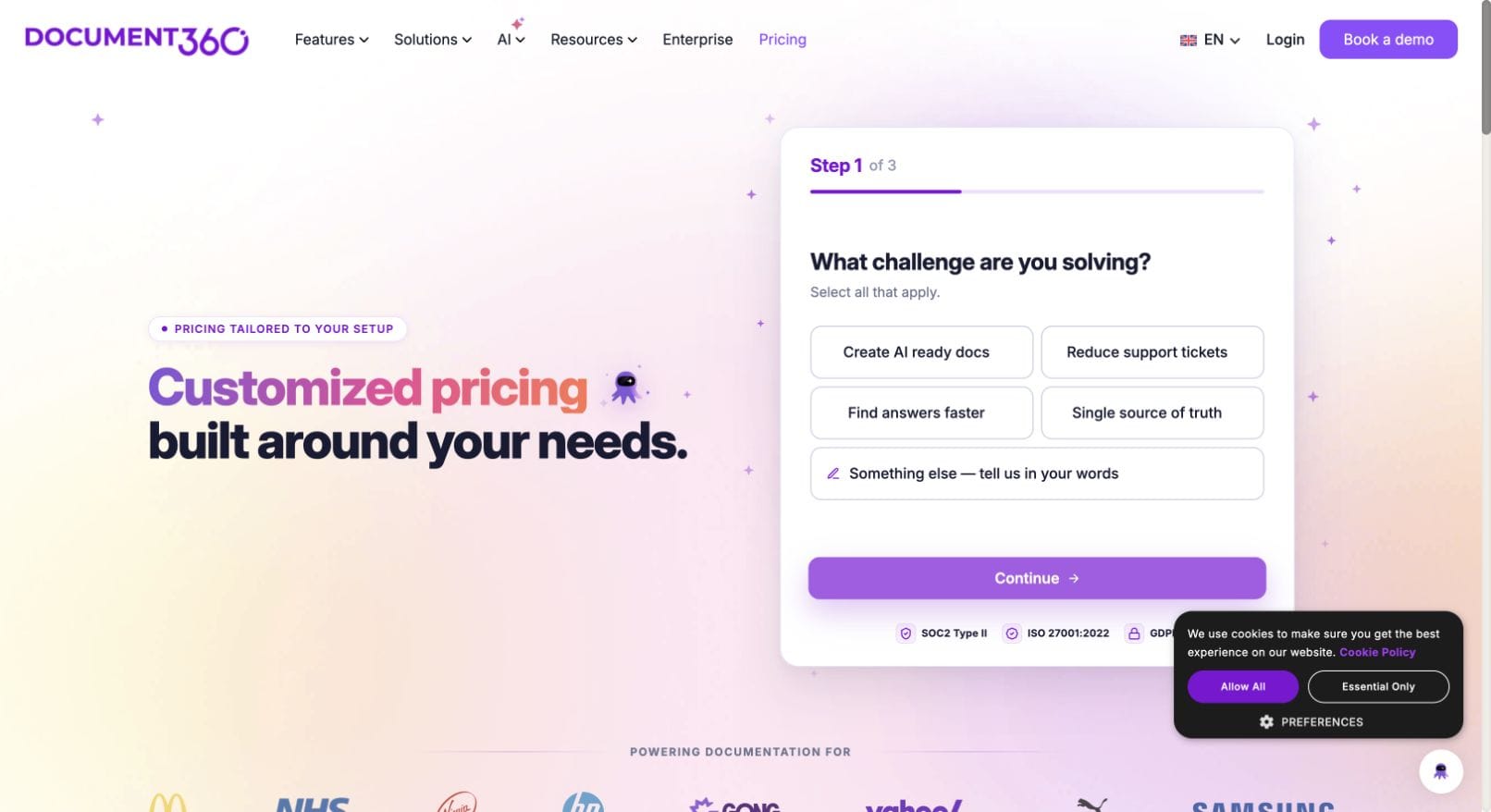
For a useful quote, specify five people, one public knowledge base, your expected AI workload and any required review stages. Request both the monthly payment option and any annual commitment. If another helpdesk is needed for your intended workflow, include that subscription separately in your support software budget.
Where does the unanswered question go?
HelpDesky brings contact forms, widget conversations, customer tickets and forwarded email into its shared inbox. The HelpDesky product overview and messaging channel guides explain the available routes. This is useful when the same small team writes the documentation and answers customers.
Document360’s ticket deflector documentation describes integrations that create tickets in Freshdesk or Zendesk when suggested articles do not resolve a request. That is a valid workflow, but an integration should not be mistaken for an included subscription to those services.
During an evaluation, try a realistic question that the docs cannot answer. Check where the request arrives, who can take responsibility and how the customer sees the reply. Our guide to contact forms, AI chatbots and ticket portals helps you choose the right route without adding unnecessary channels.
When is Document360 the stronger fit?
Document360’s custom workflow builder supports defined publishing stages, assignments to users or groups and visibility into review progress. A team with technical, legal and product reviewers should evaluate those controls directly.
For example, ask a writer to submit a changed policy, have a reviewer return it for correction and confirm who can approve publication. Treat the result as a requirement check. This comparison does not establish that HelpDesky provides equivalent specialist governance.
The vendor’s video below demonstrates its documentation review approach. It is product context from Document360, not an independent performance test or a statement of current pricing.
How should you compare AI spending?
With HelpDesky, bringing your own AI key keeps provider usage visible in your own account and lets you choose from supported providers and models. Review the controls offered by your chosen provider: a budget notification is not necessarily a hard spending stop.
The platform fee and provider usage are separate budget lines. This gives you a practical way to evaluate a model against your own questions instead of treating every answer as having the same cost. Do not assume unlimited conversations means unlimited free AI processing.
For either product, use the same small set of customer questions: a clear answer, an ambiguous request, an outdated policy and a question outside the documentation. Record correctness, useful references and the route to human help. A cheap answer that sends a customer in the wrong direction is not a good result.
Frequently asked questions
Is HelpDesky a Document360 alternative?
Yes, particularly when your priority is a public help centre combined with customer conversations. Check specialised governance requirements separately before replacing a documentation platform.
How much does HelpDesky cost for five people?
Pro is $15 monthly for the workspace, including all five people. The current code 40OFF6 gives $9 monthly for the first six months, then $15. AI provider usage is separate.
What does Document360 cost for five editors?
Its current public pricing page requires a custom quote. Ask for five team accounts and the exact capabilities you need; a reliable current total cannot be calculated from the public page alone.
Can we claim a percentage saving against Document360?
Only after obtaining a comparable quote. For a monthly base quote of Q dollars, the regular HelpDesky base difference is Q minus $15, and the percentage is that difference divided by Q, multiplied by 100. Keep taxes, AI and extras outside this calculation.
Does a ticket deflector replace an inbox?
No. Suggesting an article before submission and managing the resulting customer conversation are different jobs. Confirm the destination and any external service needed for the second job.
What should we test before moving?
Test a representative article, an unanswered customer question and any mandatory approval process. Check URL redirects, content export, access permissions and the full recurring budget before moving your whole knowledge base.